
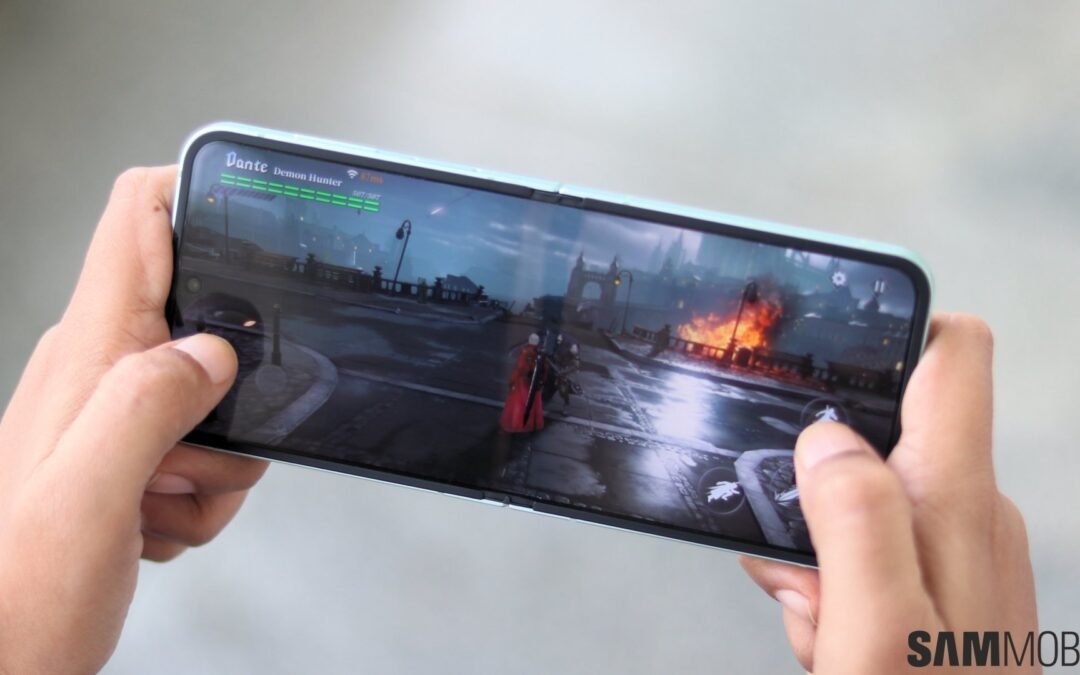
One UI 7 Game Booster is set to make mobile gaming even smoother with some exciting new frame rate options. If you’ve ever wished for more control over how your games look and feel on your Samsung device, this update might just be what you need. With One UI 7, Samsung is giving gamers more flexibility, helping them find the perfect balance between performance and battery life.
What’s New in One UI 7 Game Booster?
Samsung has been steadily improving its gaming features, and the new enhancements in One UI 7 take things up a notch. If you’ve used Game Booster before, you already know it helps optimize performance while you game. But this update makes it even more exciting with additional frame rate settings.
Previously, Samsung’s Game Booster allowed you to tweak game performance, but the choices were pretty basic. Now, we’re looking at a more detailed selection of frame rate options, which is perfect for players who love fine-tuning their experience. Whether you want ultra-smooth visuals or just need to preserve battery life, there’s a setting for you.
More Frame Rate Options for a Customized Experience
So, what exactly are these new frame rate options? Samsung is expanding beyond the usual “Standard” and “High” settings and adding extra ranges. This means instead of just choosing performance or battery saving, you can now adjust your preferences with more precision.
- Enhanced Performance Mode: This setting lets games take full advantage of higher refresh rates, delivering buttery-smooth motion.
- Balanced Mode: A middle-ground setting that optimizes for both performance and efficiency, perfect for longer gaming sessions.
- Battery Saver Mode: Reduces frame rates slightly to extend battery life while still keeping games playable.
- Custom: Some devices may allow users to fine-tune refresh rates manually, offering total control over the experience.
With these options, you get to decide what matters most—do you want flawless performance for fast-paced action titles, or do you need to maximize battery life for a long day of gaming? It’s completely up to you.
How Game Booster Enhancements Improve Gameplay in One UI 7
Anyone who’s ever played a graphics-heavy game on mobile knows the struggle. You’re deep into an intense match, and suddenly… stutter. Or worse, your phone heats up and starts throttling performance. That’s where these new Game Booster improvements come in.
By fine-tuning frame rates, Samsung is helping prevent overheating while ensuring a stable gaming experience. When your device doesn’t have to push itself to the limit all the time, it lasts longer and sustains performance better. That’s a win-win, right?
Who Benefits the Most from These Changes?
If you’re a casual mobile gamer, you might not notice the difference right away. But for anyone playing high-refresh-rate games—think competitive shooters or racing titles—this update is a big deal. Smoother frame rates can give you an edge, especially in games where every millisecond counts.
Even if competitive gaming isn’t your thing, the battery-saving options in Game Booster mean you can play longer without reaching for your charger. If you hate having to pause mid-game because your phone’s battery is draining too fast, this update will make a noticeable difference.
How to Access the New Game Booster Settings in One UI 7
So, how do you start taking advantage of these new frame rate options? It’s pretty straightforward. Once One UI 7 rolls out to your device, you’ll want to head over to your Game Booster settings.
Here’s a quick walkthrough:
- Open the Game Booster while in a game.
- Look for the Performance Settings option.
- Select your preferred Frame Rate Mode depending on your needs.
Samsung may introduce additional tweaks with further updates, so it’s always a good idea to check your settings every now and then!
Final Thoughts: Do These New Options Make a Difference?
Absolutely. If you’ve ever been frustrated by lag, frame drops, or excessive battery drain while gaming, these small but meaningful improvements in One UI 7 could change the way you play on Samsung devices.
More control over frame rates means a smoother, more enjoyable gaming experience, whether you’re a serious mobile gamer or just someone who likes to play occasionally. The flexibility to choose between battery life or high-performance mode is something every gamer can appreciate.
So, what do you think? Will you be cranking up performance for ultra-smooth gameplay, or are you more interested in saving battery for those long gaming sessions? Either way, Game Booster’s new options in One UI 7 are here to give you more control than ever before.