
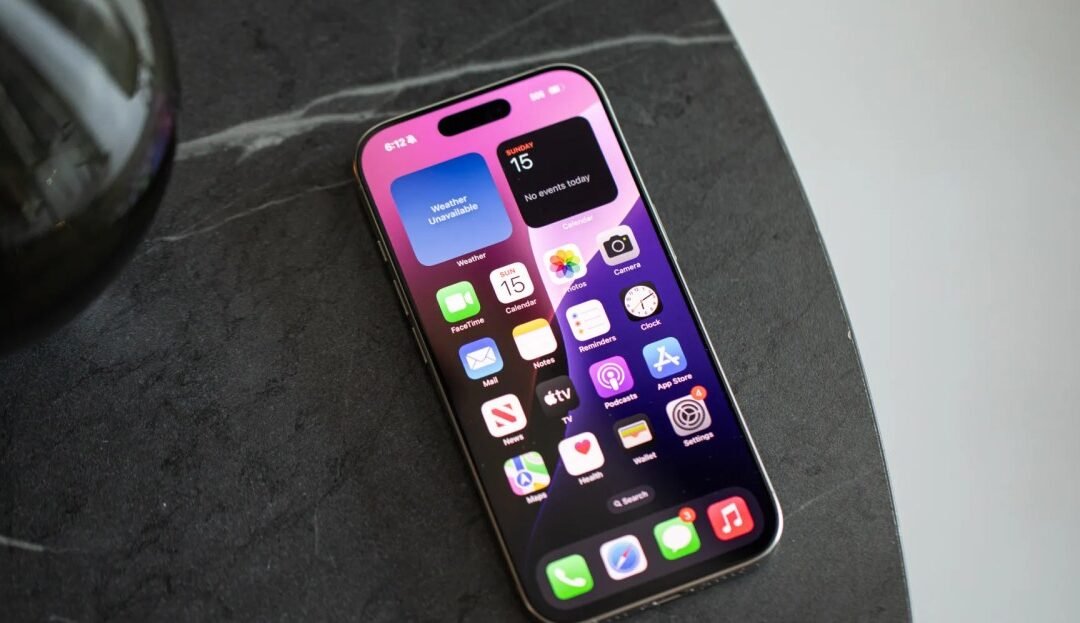
I recently stumbled upon the Apple iPhone Battery AI Optimization Update in iOS 17.5, and let me tell you—if you’ve been silently wishing your iPhone battery could last just a bit longer, you’re not alone. My iPhone 13 has seen better days, and I’ve been pretty obsessed with squeezing out every extra minute of power I can. So, the idea that Apple is now leaning into AI to help conserve the iPhone battery without us lifting a finger? That grabbed my attention quick.
What Is This AI Battery Update All About?
So here’s the scoop. Apple quietly rolled out a new feature based on artificial intelligence aimed specifically at optimizing the longevity of your iPhone’s battery. Unlike the usual battery saver features that cut background activity or dim the screen, this update works behind the scenes, learning your phone habits like a little digital sidekick.
It’s now available in iOS 17.5, and right now, Apple’s testing it on iPhone 15 models only. Sorry, older iPhone users (myself included). But still, it’s a peek into where Apple is going with its strategy of power preservation: smarter, not harder.
How Does It Actually Work?
Imagine this. Every night, you’re plugging in your phone before bed, setting it on your nightstand like usual. The iPhone’s AI now knows you’re likely doing that, so it doesn’t charge your battery to 100% right away. Instead, it might pause the charge at 80%, then ramp up to full just before your morning alarm goes off. This kind of thinking is what helps reduce “battery aging”—basically Apple’s way of helping your phone stay healthier, longer.
I laughed a bit when I read this because I’ve always manually unplugged my phone mid-charge, just because I read once somewhere that “charging to 100% all the time is bad.” Turns out, now the phone wants to do that for us. Smart!
Why It Matters for Long-Term Apple iPhone Battery Health
Let me get real for a minute: most of us don’t think about our battery’s health until it hits 85% max capacity and our phone dies at 30% for no obvious reason. Apple calls this “battery aging,” and it happens to all lithium-ion batteries. But this Apple iPhone battery optimization feature tries to slow down that process.
Here’s why this is actually a big move:
- Heat Control: Charging generates heat. AI-based charging limits excess heat, which prevents long-term battery damage.
- Cycle Awareness: Your phone’s battery only has so many full charge/discharge cycles. Optimizing each one means fewer wasted cycles.
- Lifestyle Matching: The phone tailors itself to you. Night owl? It learns that. Early riser? It adjusts. Wildly inconsistent sleeper like me? It’s… trying its best.
I can’t help but think back to my old iPhone 6 days when battery drainage felt like a timed game of panic. Fast forward to this—AI that tweaks patterns so efficiently you don’t even notice it’s happening. Honestly, it’s kind of magical.
What You’ll Notice On Your iPhone
Okay, here’s the nuts and bolts of what shows up in your Settings if you’ve got this update on iPhone 15:
- Go to Settings > Battery > Battery Health & Charging
- There’s a new label that says “Charging Optimization.”
- Below it, it’ll say “iPhone has learned your charging patterns to reduce battery aging.”
Simple, right? The interface is clean—very Apple. What impressed me most is that the update is seamless. There’s no massive setting to tweak or charts to study. Just an opt-in feature that quietly does its job. That’s the best kind of tech update, in my opinion.
The Future of Apple iPhone Battery Tech Looks Smarter
Apple’s always obsessed over user experience—and now, it feels like they’re folding that mindset into battery health, not just performance or aesthetics. This might only be a small step today, but it’s paving the way for bigger battery-focused features powered by AI in the next iOS versions.
Here’s what I’d love to see next:
- Custom suggestions like: “Hey, looks like you forgot your charger—reduce performance to save battery life?”
- Better real-time battery forecasts based on daily routine, not just screen-on time.
- More control for power users who want to tweak things manually (yes, I’m that nerd).
I don’t know about you, but I love when tech starts meeting us where we are instead of the other way around. It makes using our devices feel more natural, less like a constant game of micromanaging.
Final Thoughts: Is This Really a Game Changer?
If you’re sporting an iPhone 15, this update starts working for you—no extra steps needed. It’s subtle, maybe even invisible most of the time, but that’s the beauty of good design. It’s there when you need it and quiet when you don’t.
For the rest of us on older models, it’s another reason to start eyeing that upgrade (sigh). But at least it’s promising. It shows Apple’s thinking longer-term about our Apple iPhone battery health and not just shipping out bigger batteries and calling it a day.
I’ll leave you with this: batteries aren’t sexy. But freedom from battery anxiety? That’s golden. If AI can help make that a reality—well, sign me up every time.